KatieHunt
KatieHunt
I designed and built a public-facing teaching portfolio that showcases Jupyter notebooks, PowerPoint presentations, PDFs, and curriculum documents in a single, unified, browser-based interface — no downloads, no app switching, no account required. The core design challenge was presenting four fundamentally different file formats under one coherent reading experience, accessible to any visitor regardless of device or installed software.
The site is live at khunt247.github.io/Teaching-Portfolio and demonstrates both my teaching depth (Python, data science, physical education, professional development) and my front-end capability (GSAP animations, multi-format rendering, WCAG accessibility, and responsive layout — all in vanilla HTML/CSS/JS).
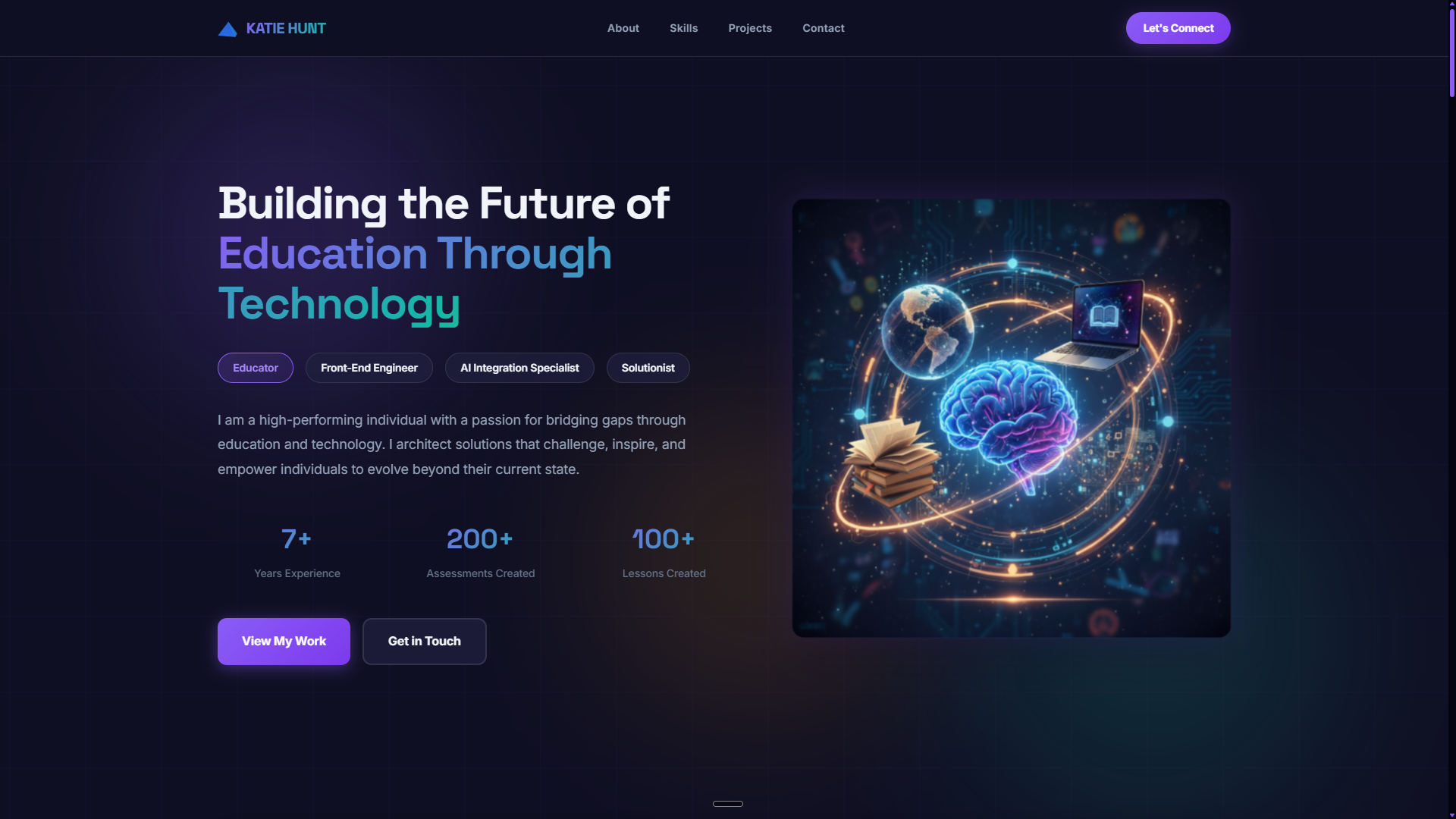
Homepage hero — mission statement, role tags, and entry point to the artifact collection.
Browser-native rendering for four artifact types — Jupyter notebooks (via nbviewer integration), PowerPoint files (via pptxjs), PDFs (native embed), and HTML/curriculum documents — eliminating the need for any download or external app.
Interactive category filters (Python, Data Science, Physical Education, Learning Methodology, Professional Development) with animated project grid — letting visitors zero in on the subject area relevant to them.
WCAG-compliant implementation: semantic HTML structure, ARIA labels, keyboard-navigable interactions, focus management in modals, and color contrast ratios validated across the full page.
GSAP scroll-triggered entrance animations for section reveals; email modal with one-click copy; hover states and focus rings consistent with WCAG 2.4.11; responsive layout from full desktop to stacked single-column mobile.
The brief was practical: a single URL that shows the full range of teaching work — from Python data science notebooks to physical education curriculum — without forcing any reviewer to download files or have specific software installed. The audience is often non-technical (administrators, hiring committees) opening the link on whatever device they have.
Fixed constraints: Static hosting only (GitHub Pages — no server-side rendering). No accounts, no backend, no build pipeline — the entire site must run as pure HTML/CSS/JS. Accessibility non-negotiable.
Variable: Which artifacts to feature, how deep the category structure should go, and how much motion to include before it harms accessibility on prefers-reduced-motion contexts.
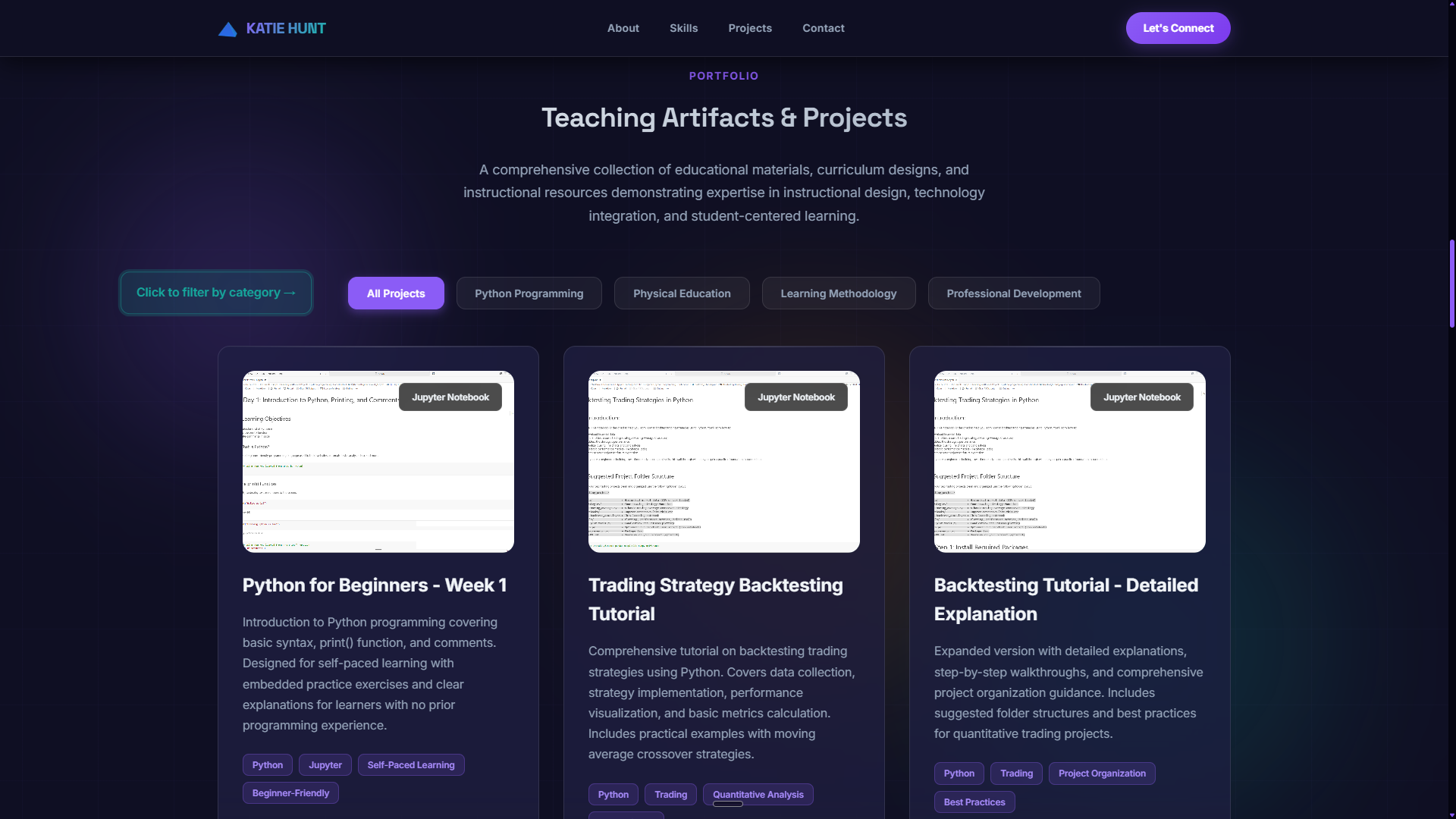
Portfolio section with category filter active — the core browsing experience for reviewers.
Brand intent: The site should feel professional and unhurried — a reviewer opening this should immediately feel they're looking at a serious practitioner's work, not a student project. That means clean typography, generous whitespace, and motion that enhances rather than competes with the content.
A warm, neutral base palette with a single accent color. GSAP scroll animations reveal sections progressively — framing each area as a separate reading beat. Cards use consistent structure (category badge, title, description, format tag) so the eye learns the pattern once and reads the rest instantly.
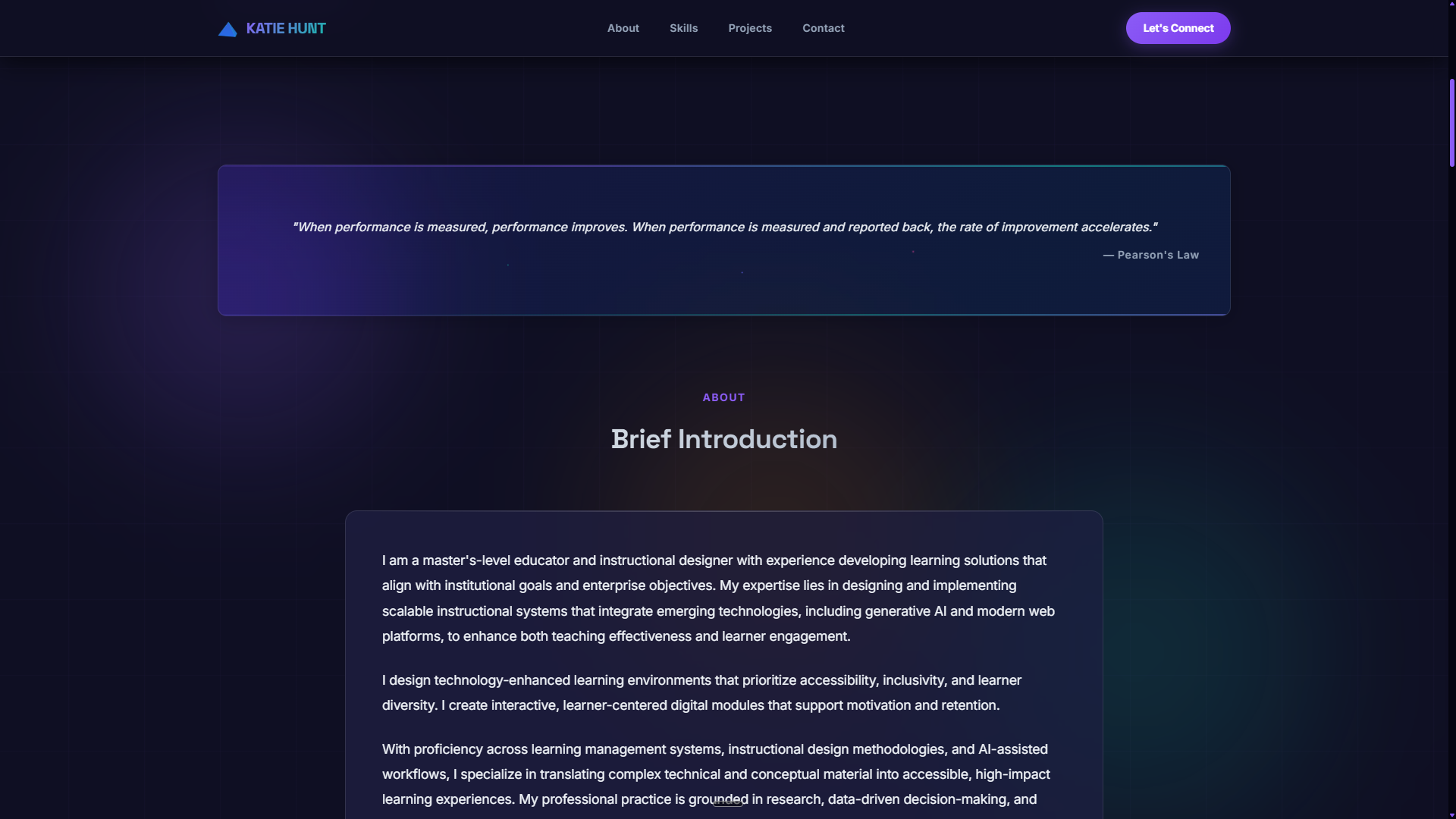
Brief, human introduction with a quote card — establishes teaching philosophy before the artifacts. Keeps tone personal and direct, not a résumé recitation.
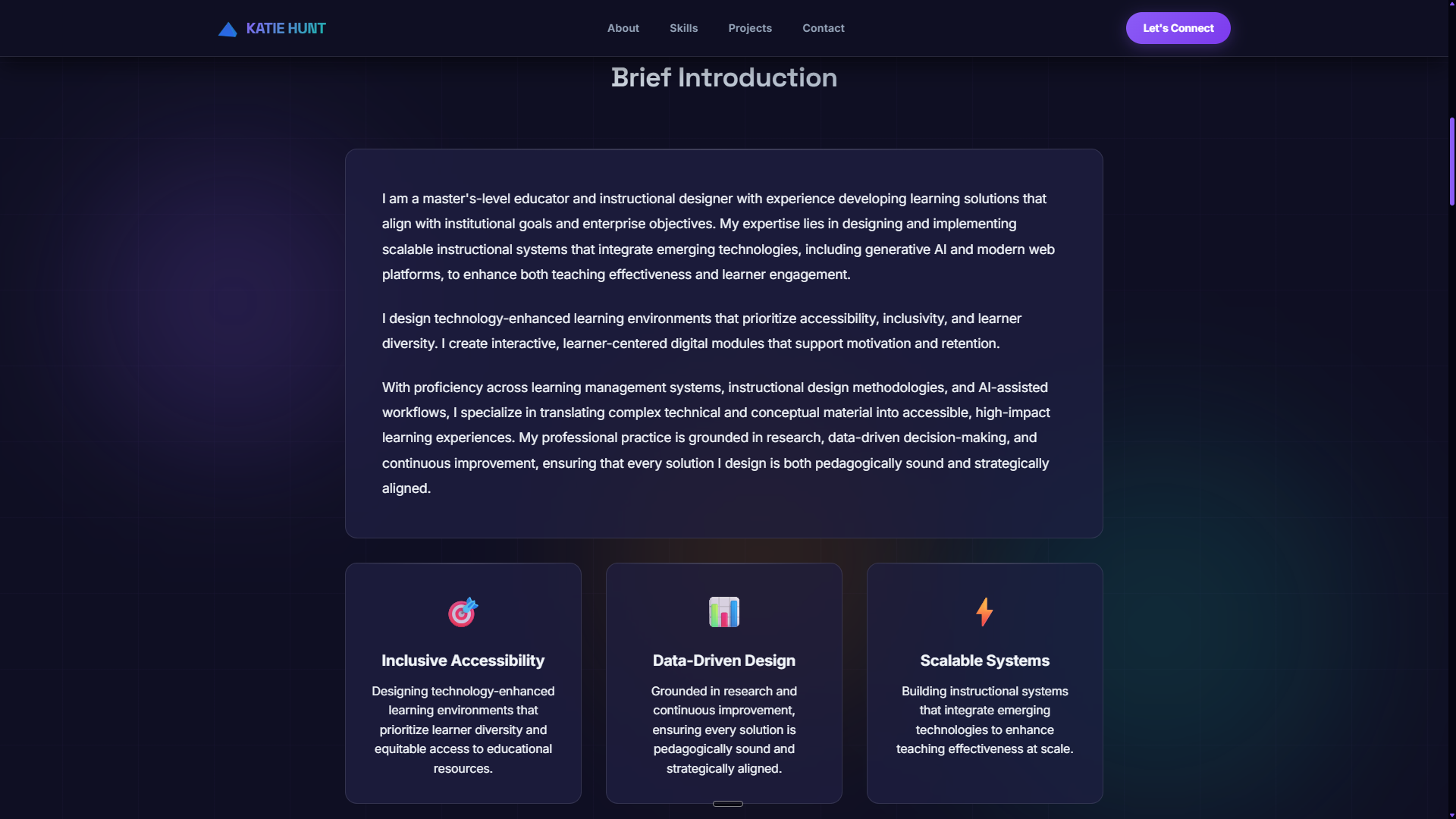
Three core principles (Inclusive Accessibility, Data-Driven Design, Scalable Systems) positioned before the portfolio grid — frames how I teach before showing what I taught.
The hardest problem in this project wasn't layout or animation — it was making four completely different file formats open legibly in a browser, without requiring the visitor to do anything beyond clicking.
.ipynb files render as JSON in the browser. Direct iframe to GitHub fails on CORS. Solution: nbviewer URL pattern as iframe src.<iframe> or <embed> works natively but has inconsistent mobile behavior. Added fallback link for mobile browsers that block PDF embeds..pptx client-side and renders slides as DOM elements — no server, no auth, fully offline-capable.aria-label on icon-only buttons; role="dialog" and aria-modal on overlays
prefers-reduced-motion: reduce media query — instant reveals replace scroll animations
| Challenge | First attempt | Problem | Solution shipped |
|---|---|---|---|
| PowerPoint rendering | Office Online embed iframe | Required Microsoft account — breaks no-auth constraint | pptxjs client-side parser — renders slides as DOM, no server |
| Jupyter notebooks | Direct GitHub file iframe | CORS blocks raw GitHub file iframes | nbviewer URL pattern as iframe src — renders notebooks publicly |
| PDF mobile fallback | iframe embed only | iOS Safari suppresses PDF iframes on narrow viewport | Fallback download link rendered below embed on mobile breakpoints |
| Modal focus management | Standard modal open/close | Tab escaped overlay into background — WCAG SC 2.1.2 failure | JavaScript focus-trap loop cycles Tab within overlay only |
| Scroll animation + accessibility | GSAP animations always active | Animated scrolling harmful for vestibular disorders | All GSAP animations gated by prefers-reduced-motion media query |
| Category filtering | Page reload per filter | Full reload disorienting; lost scroll position | Client-side JS filter — hides/shows cards instantly without navigation |
Full page coverage — from hero to footer. Subject areas include Python, Data Science, Physical Education, Learning Methodology, and Professional Development.
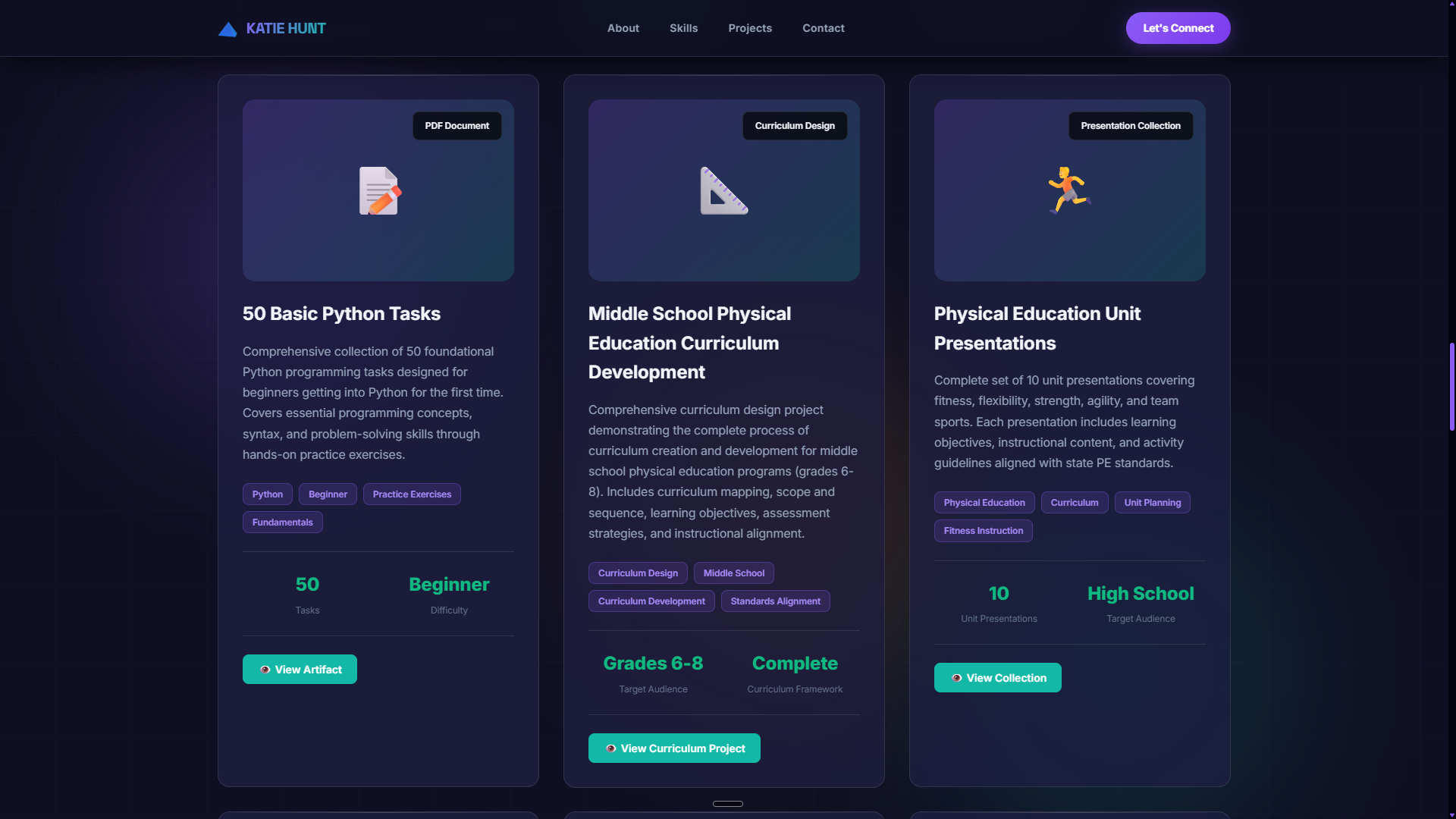
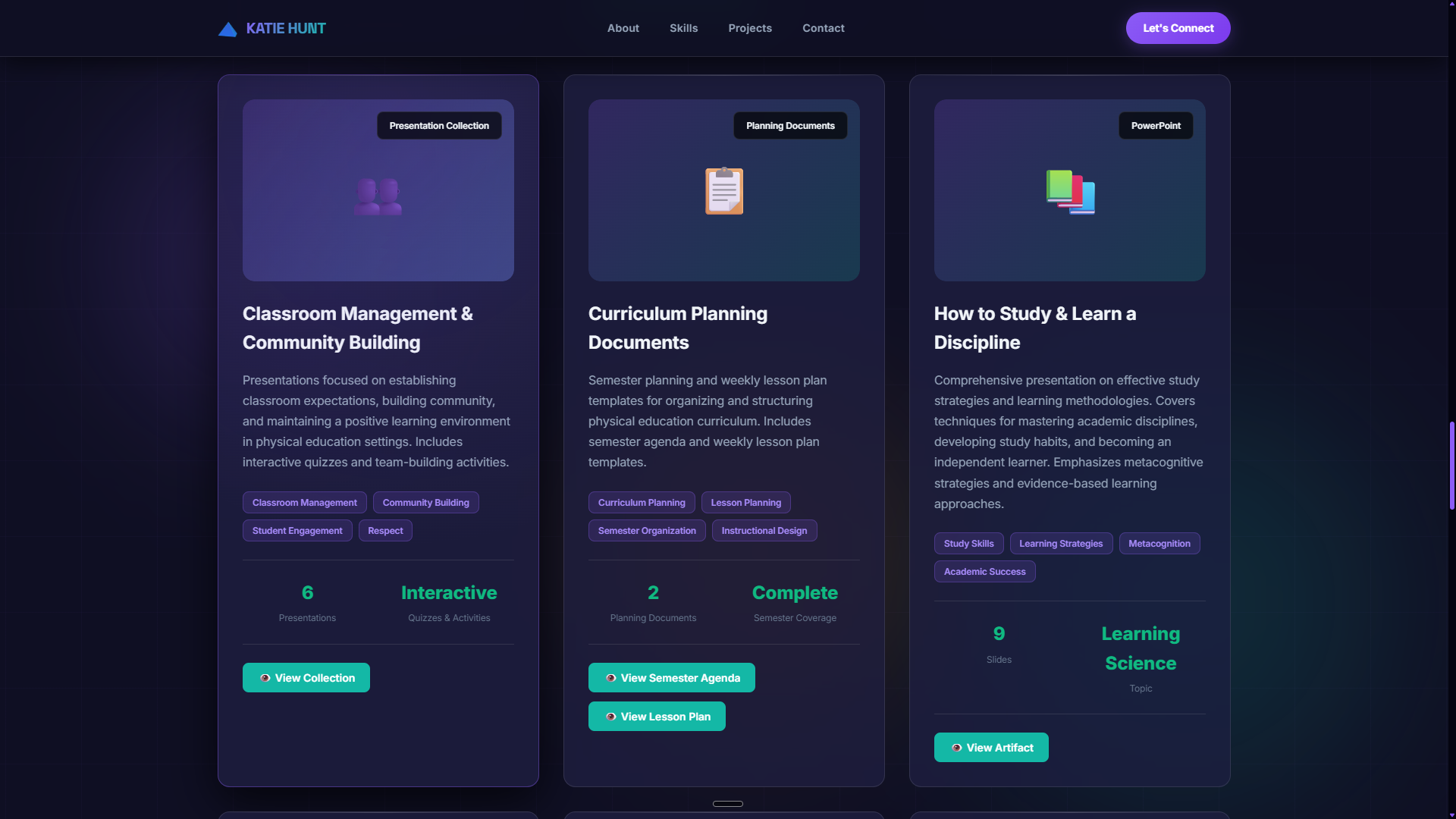
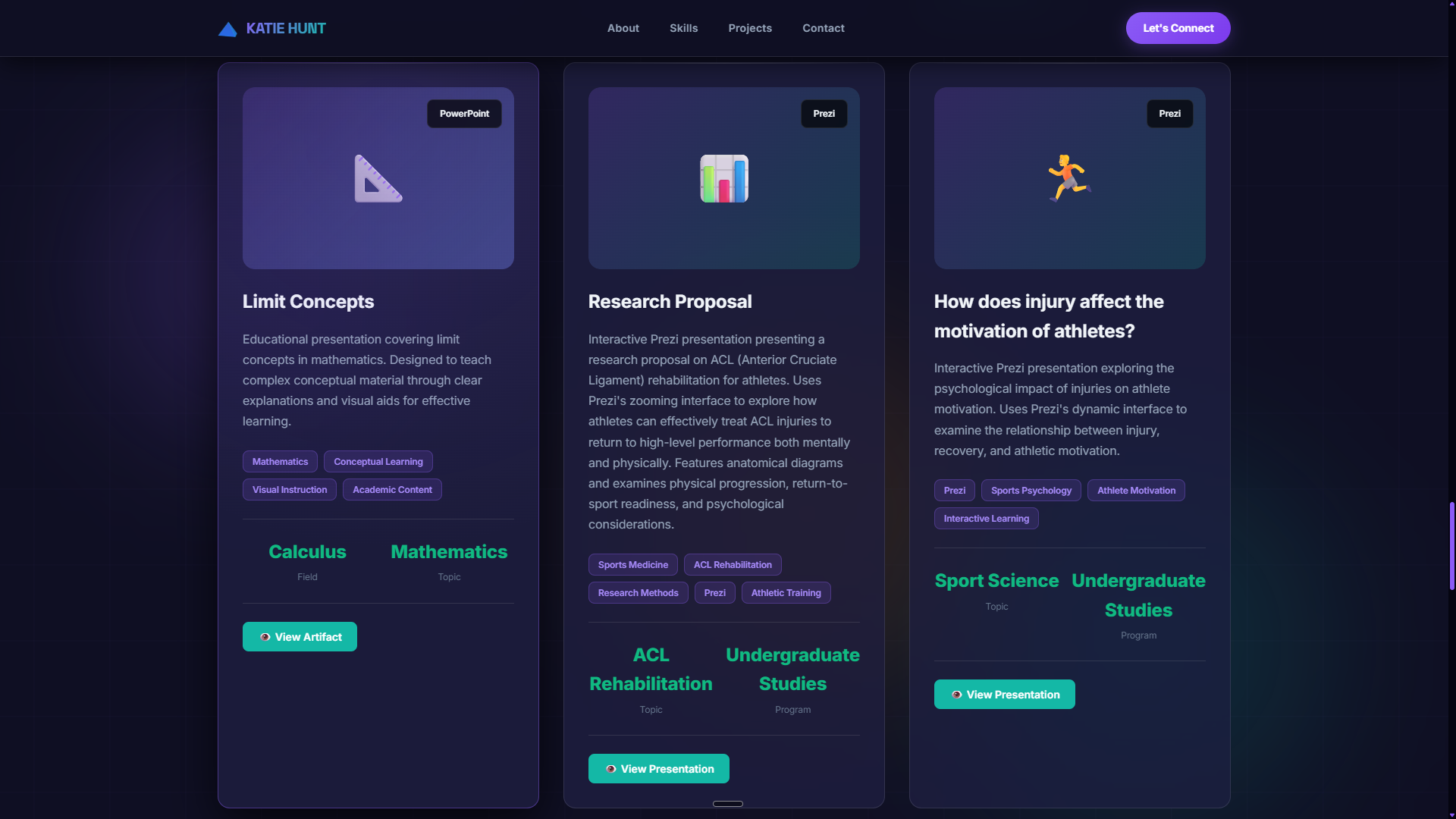
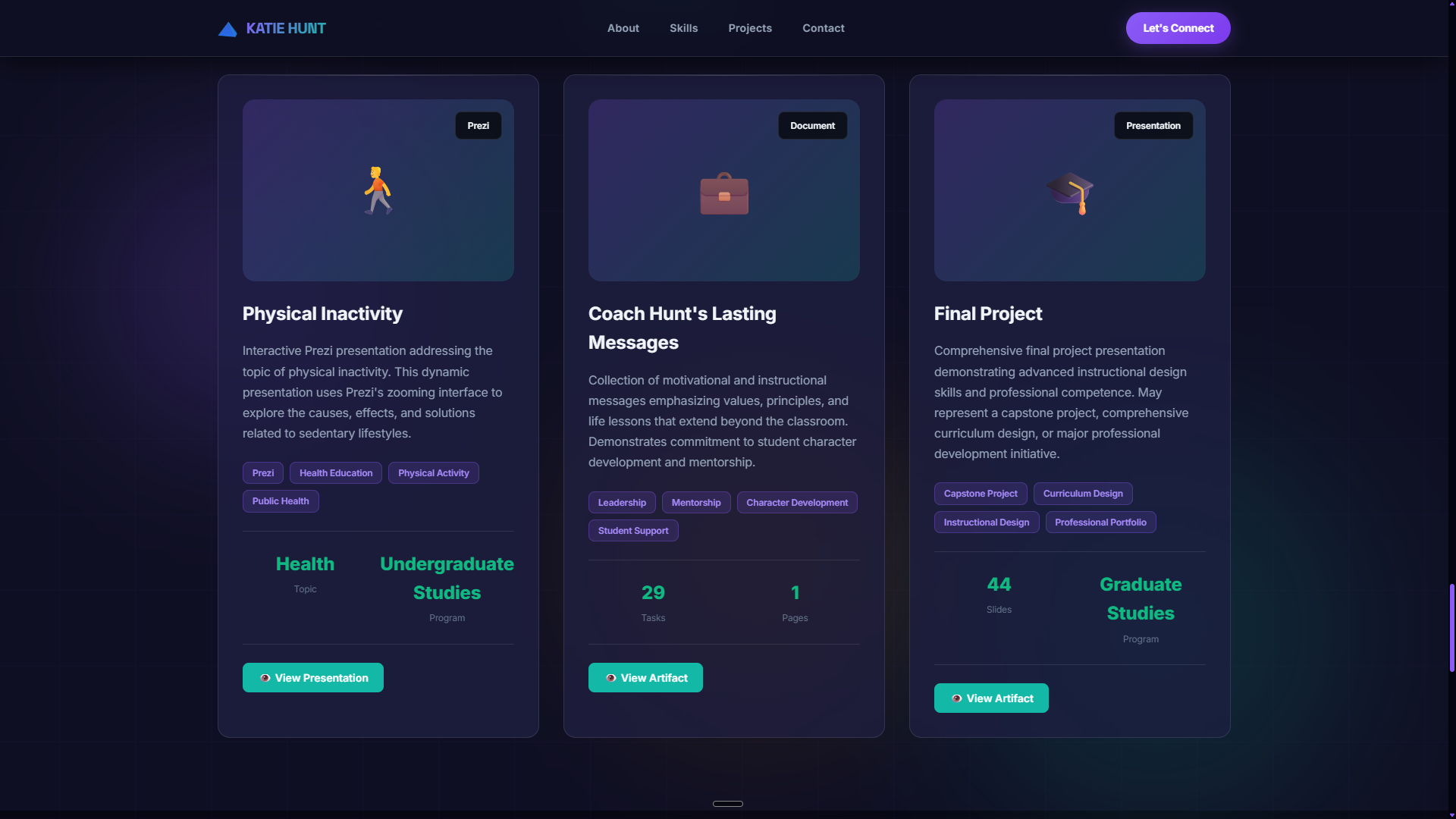
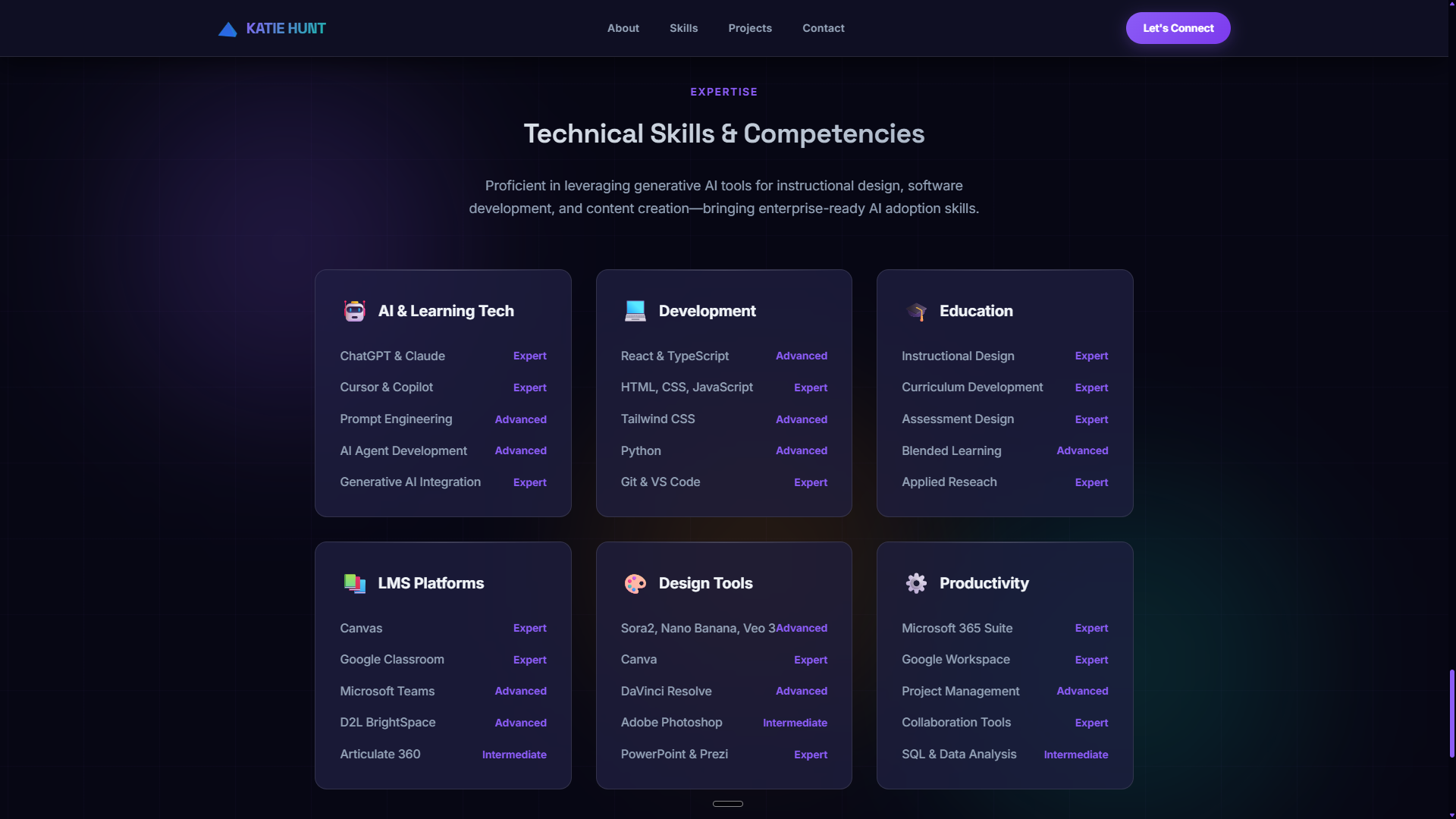
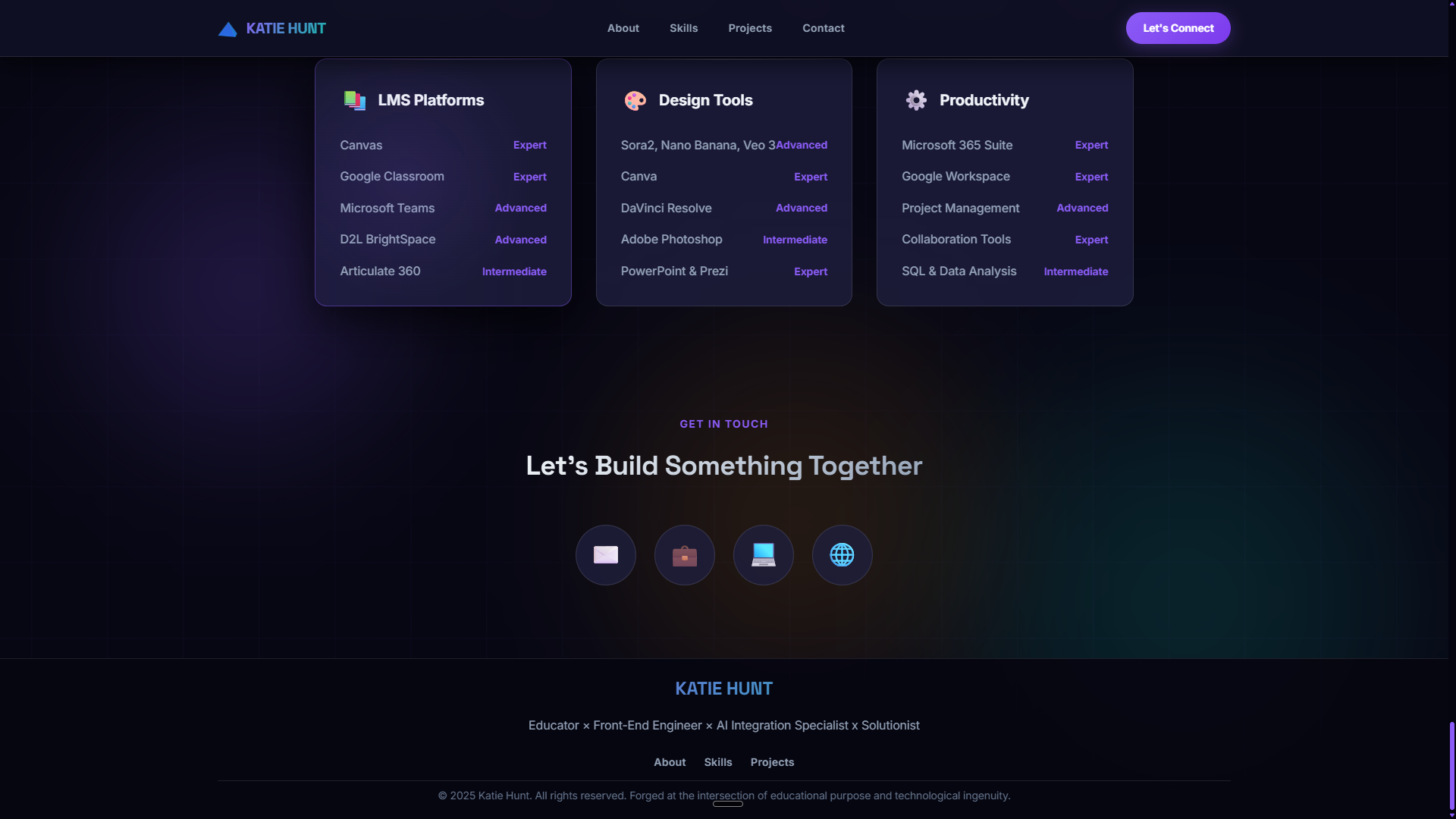
Every section follows the same structural pattern: entrance animation (or instant reveal), consistent card anatomy, and shared interactive behaviors (hover, focus, click). This lets the design scale to any number of artifacts without creating new patterns.
Reuse principle: The artifact viewer modal is the only complex component. Every format (notebook, PPT, PDF, curriculum) loads into the same modal shell — only the inner rendering strategy changes. Adding a new format means adding one render branch, not a new component.
A live, accessible, zero-dependency teaching portfolio that presents diverse educational materials in one unified browser experience. The site demonstrates both teaching breadth (five subject areas, multiple artifact types) and front-end capability (multi-format rendering, GSAP animation, WCAG compliance, vanilla JavaScript architecture).
Because it runs as a pure static site on GitHub Pages, there are no hosting costs, no maintenance overhead, and no dependencies to update — it will remain accessible and functional indefinitely.