
KatieHunt
KatieHunt
Local-first PDF ↔ DOCX conversion
I owned DocuConvert Pro end to end: product concept, dual-mode architecture, React UI, browser-side conversion, a localhost conversion bridge, and an Electron wrapper with a portable Windows build. The app targets people who need PDF ↔ Word without uploading sensitive files to the cloud—offering quick in-browser conversion and an optional high-fidelity path through Word (COM) or LibreOffice on the same machine.
High-fidelity mode uses a loopback HTTP API only—no remote API—so files stay local while layout stays closer to the source than typical pure-browser pipelines.
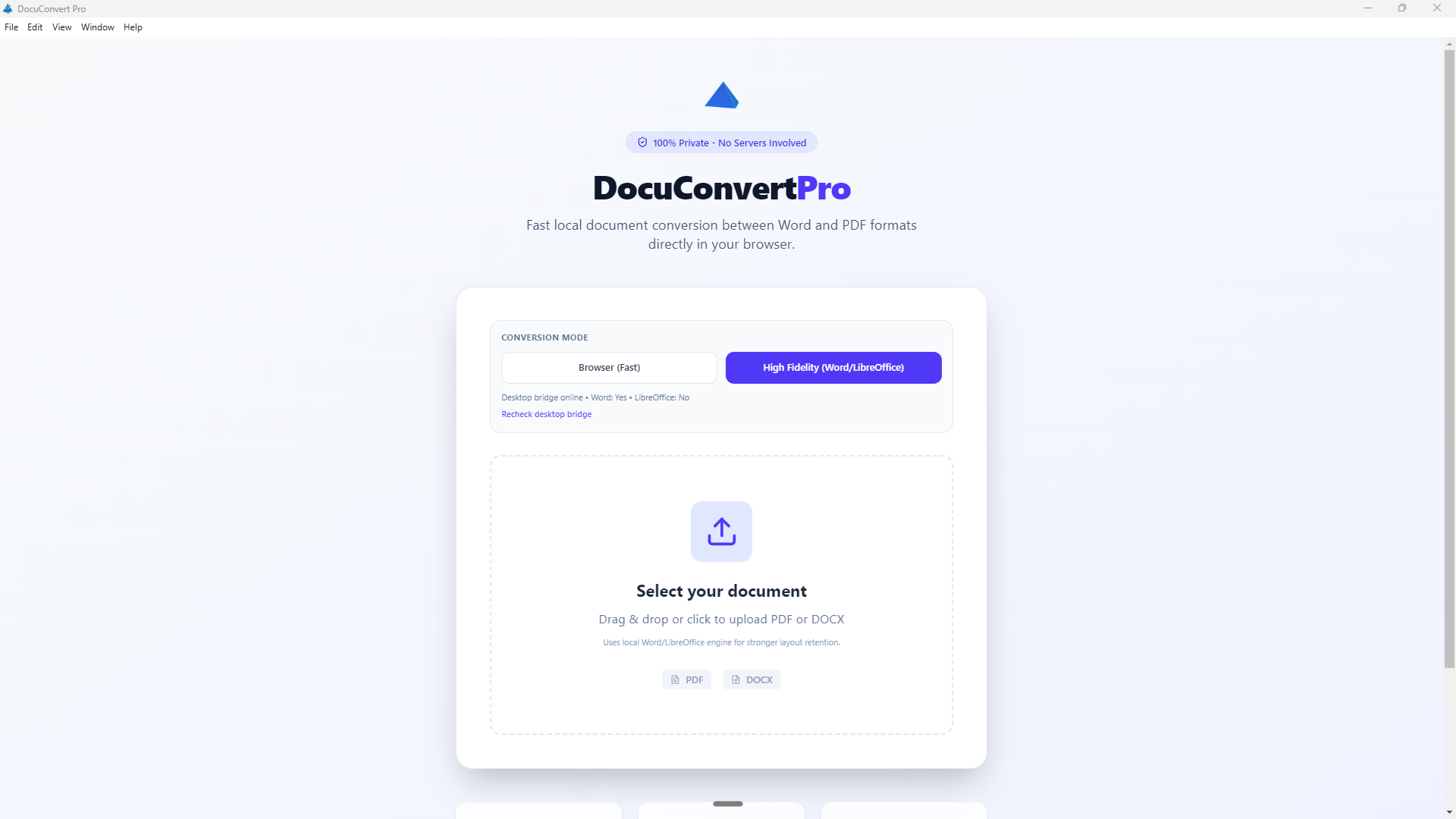
File upload — choose input, direction, and browser vs. high-fidelity mode.
Cloud converters add privacy and compliance risk. In-browser tools are fast but can lose complex layout. Relying only on an Office UI is hard to automate from a simple product surface.
DocuConvert Pro combines two paths: browser mode (Mammoth, jsPDF, PDF.js, docx via CDN) for text-heavy turnaround, and bridge mode—a small Node server on localhost that shells out to Word or LibreOffice for truer fidelity, with payload limits and engine preference in the API contract.
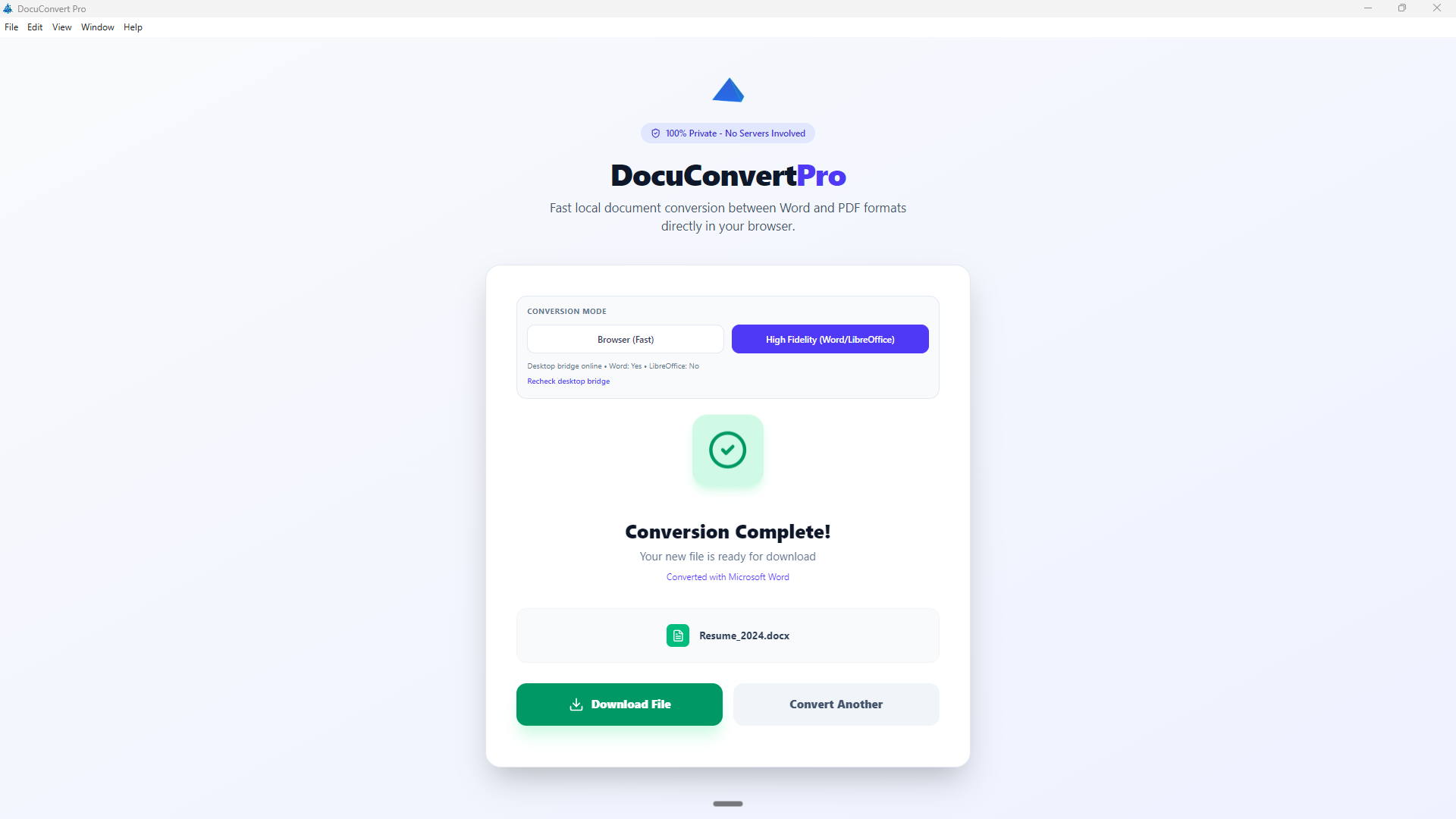
Completion — result ready with a clear download step.
| Layer | Stack |
|---|---|
| UI | React 19, Vite 8, Tailwind CSS 4 (@tailwindcss/vite), Lucide React |
| Language | JavaScript (.jsx), JSDoc-style notes — not TypeScript in this repo |
| Desktop | Electron 34, electron-builder (Windows portable x64) |
| Local API | Node http server (bridge/server.mjs), child_process for PowerShell and soffice |
| Automation | PowerShell (word-convert.ps1, optional repair script) |
| Browser conversion | Mammoth, jsPDF, PDF.js, docx (UMD from CDN) |
Dual-mode conversion (client-side vs. local Office engines) with a clear privacy story: loopback bridge, no upload on the high-fidelity path.
React UI with file pickers, mode selection, bridge health and capability checks, download flow, and dynamic loading of CDN libraries for browser mode. Local HTTP API with GET /capabilities, POST /convert, limits, and engine orchestration.
Electron spawns the bridge as a child process; electron-builder produces a portable Windows artifact. README covers setup, API, env vars, and troubleshooting.
Representative UI only; demo video walks the full flow.
Screen recording — DocuConvert Pro walkthrough.