KatieHunt
KatieHunt
I designed and built CodeVault, a local-first desktop and web-style application for developers who want a single, private vault for code snippets, project files, a repo-style file browser, encrypted credentials (API keys and passwords), notes, uploads, and global search — without sending vault contents to a third-party cloud.
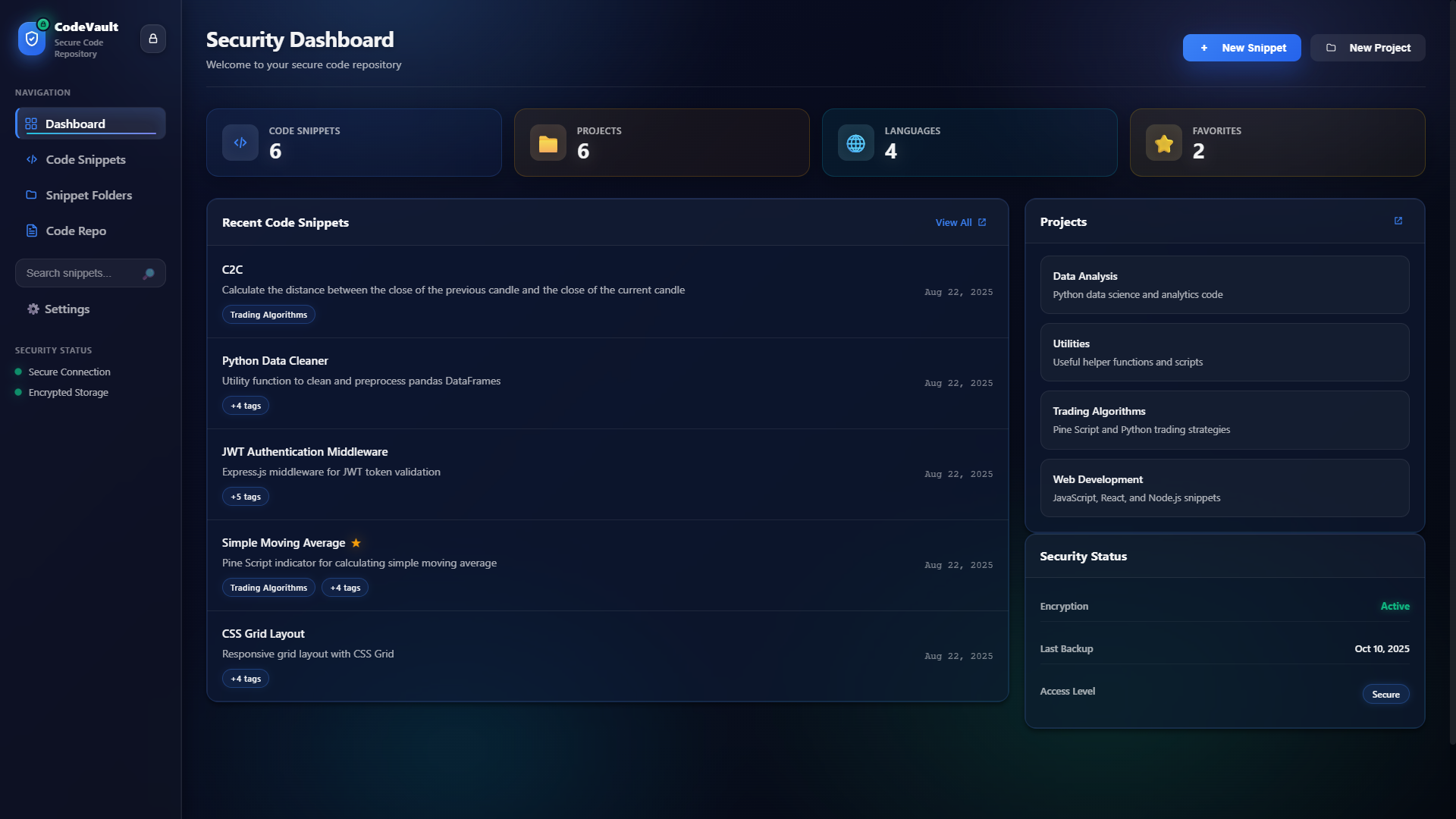
Dashboard — the central entry point: vault areas, quick-launch tiles, and status at a glance.
Single-vault model with a consistent app shell: dashboard entry, sidebar navigation, and global search entry points. Clear separation between "build" surfaces (snippets, projects, code repo) and "secrets" surfaces (API keys, passwords).
Lock screen and session lifecycle; dashboard overview; dense-but-readable developer tool layouts for lists, trees, and editors; settings and backup flows with explicit confirmations for sensitive actions.
React 18 + React Router (HashRouter for packaged builds); IndexedDB storage layer; Electron main process with single-instance lock and hardened IPC sender checks; optional LibreOffice-backed document conversion.
No vault content visible without a valid session. Auto-lock and quick-lock affordances. Client-side encryption for protected categories via Web Crypto API (AES-GCM, PBKDF2 key derivation).
I started from a blank product definition: unify snippets, files, notes, and secrets in one local app, with no backend dependency for the core vault. The tech baseline was browser storage and React, later extended with Electron for a single-window desktop experience.
I had full control over navigation model, feature grouping, visual system, storage schema, encryption approach, and Electron packaging strategy. The binding constraints were the local-only trust model (device compromise is explicitly out of scope for the v1 threat model) and shipping without a design team.
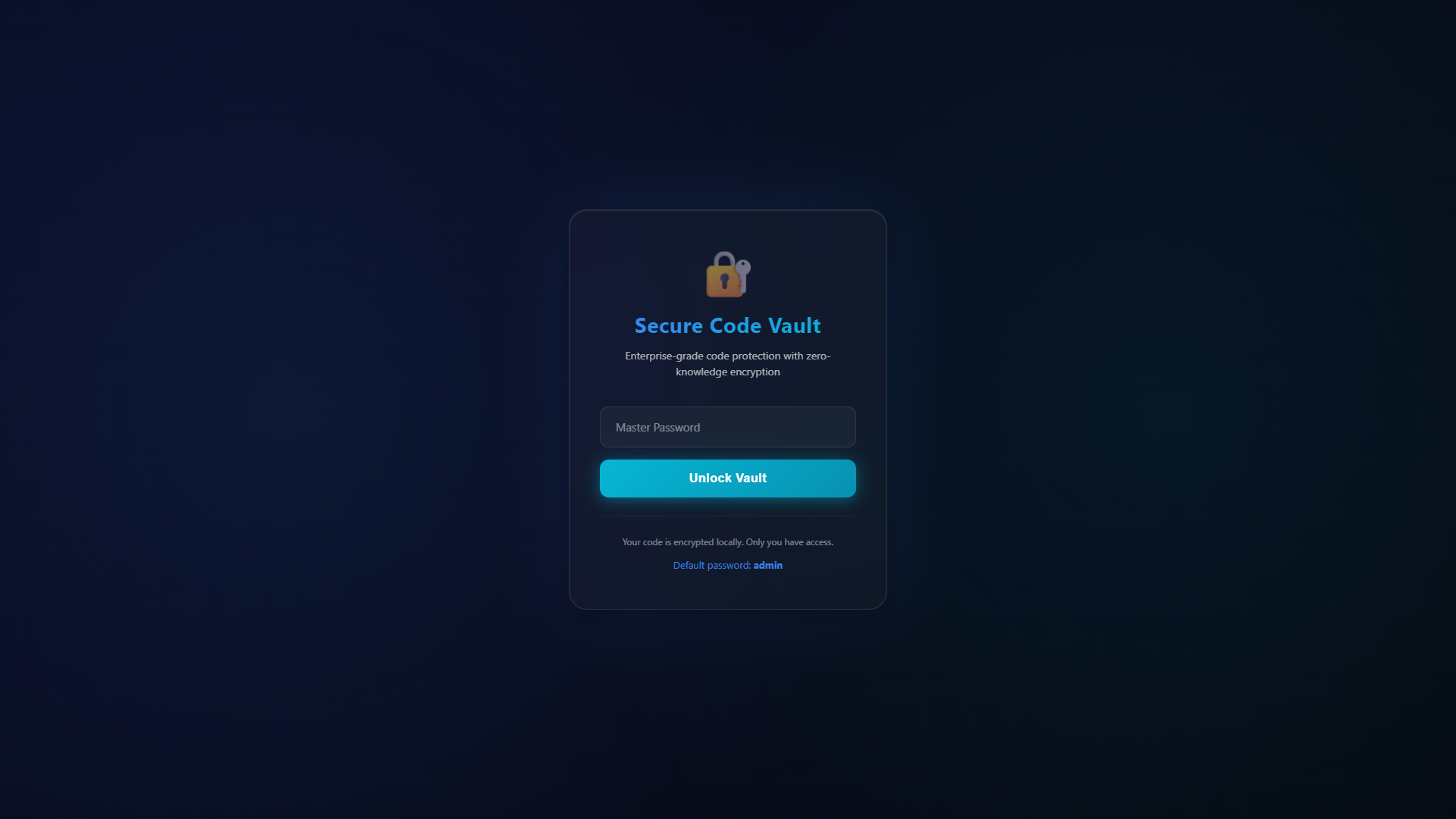
Lock Screen — the first and only surface visible before authentication. Single-task, minimal chrome.
Brand intent: "Calm vault, sharp tool." The app should feel trustworthy and quiet on lock and secrets screens, and efficient wherever developers work (lists, search, file tree). No playful illustration overload — readability and hierarchy come first.
High density for catalogs (snippets, projects, search results). Neutral chrome so content — code, keys, filenames — stays the hero. Explicit states for lock, loading, empty, and destructive backup actions.
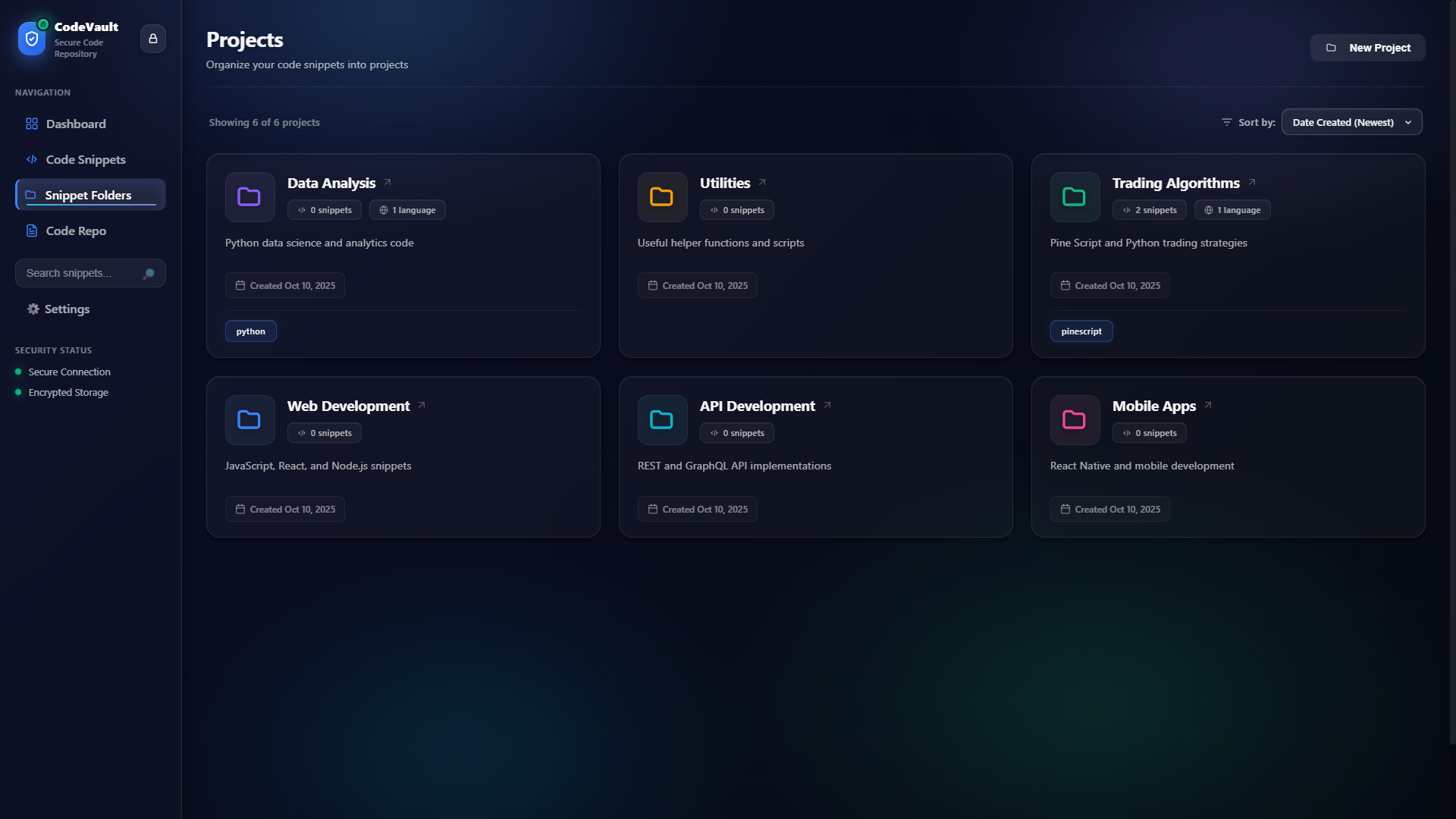
Wider cards with more breathing room between items. Friendlier first impression, but slower to scan during repeat-use workflows.
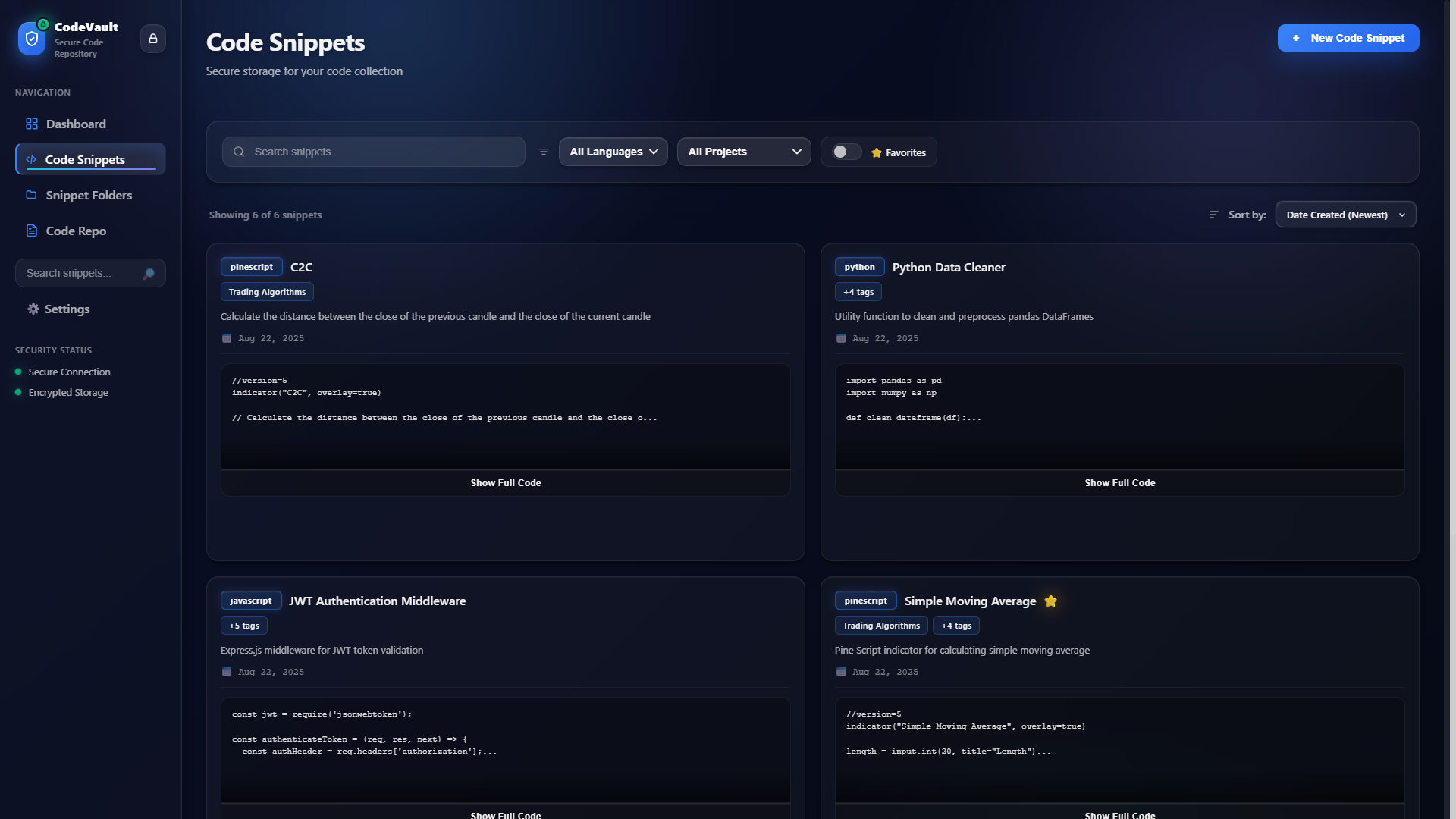
Tighter layouts with strong section headers. Steeper first impression, faster repeat use for daily snippet management and search — which are the primary tasks.
Why chosen: Snippets, search, and repo navigation are repeat tasks performed quickly. Optimizing for scanning and muscle memory beat onboarding comfort for the target user (developers storing and retrieving their own material).
The session lifecycle was the highest-stakes design and engineering problem: get it wrong and vault content leaks, or the friction makes the app unusable. Here's how I worked through it.
Treating the lock screen as "just another route" introduced a class of problems that only surfaced under real use:
Each problem drove a specific design and engineering decision:
/lock so the back button cannot re-expose prior views.
Final lock screen — single task, no distractions.
Dashboard loads immediately after valid authentication.
Rather than formal multi-participant testing, I evaluated the flow using a structured heuristic pass against three tasks: cold-start unlock, navigation to a secrets surface, and quick-lock from an active session. Findings shaped the final decisions above.
| Task | Problem identified | Fix applied |
|---|---|---|
| Cold-start unlock | Password field label ambiguous on first visit | Clarified label + error copy; added placeholder hint |
| Navigate to secrets | No visual confirmation user is in a protected area | Added lock icon badge to secrets nav items |
| Quick-lock | Shortcut undiscoverable; locking took 4+ clicks | Built quick-lock shortcut; surfaced it in Settings tooltip |
All session behavior (idle timeout, auto-lock threshold, backup schedule) is controlled from a dedicated Settings surface with no hidden state. Destructive actions (lock now, reset vault) use an explicit confirmation step.
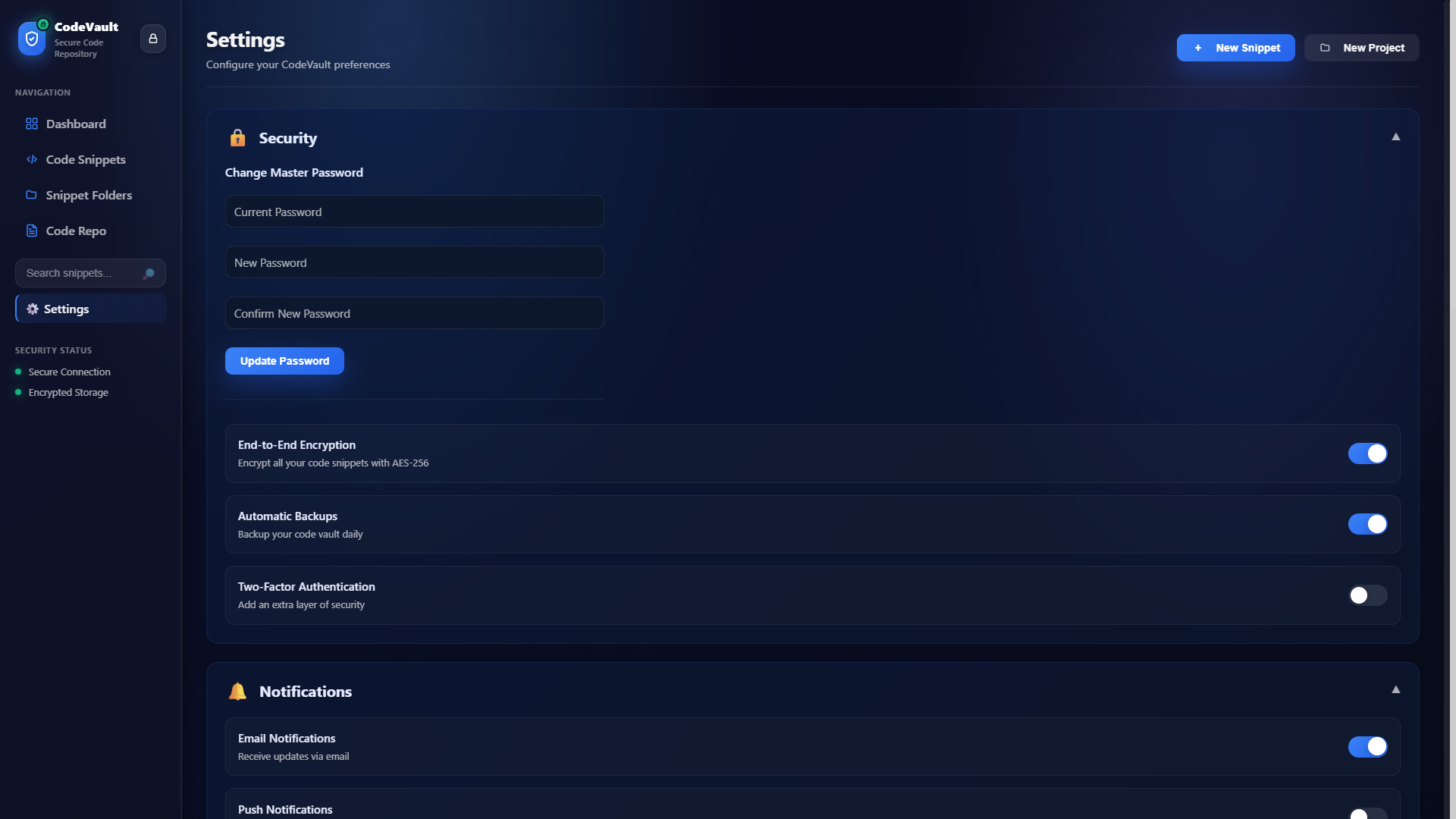
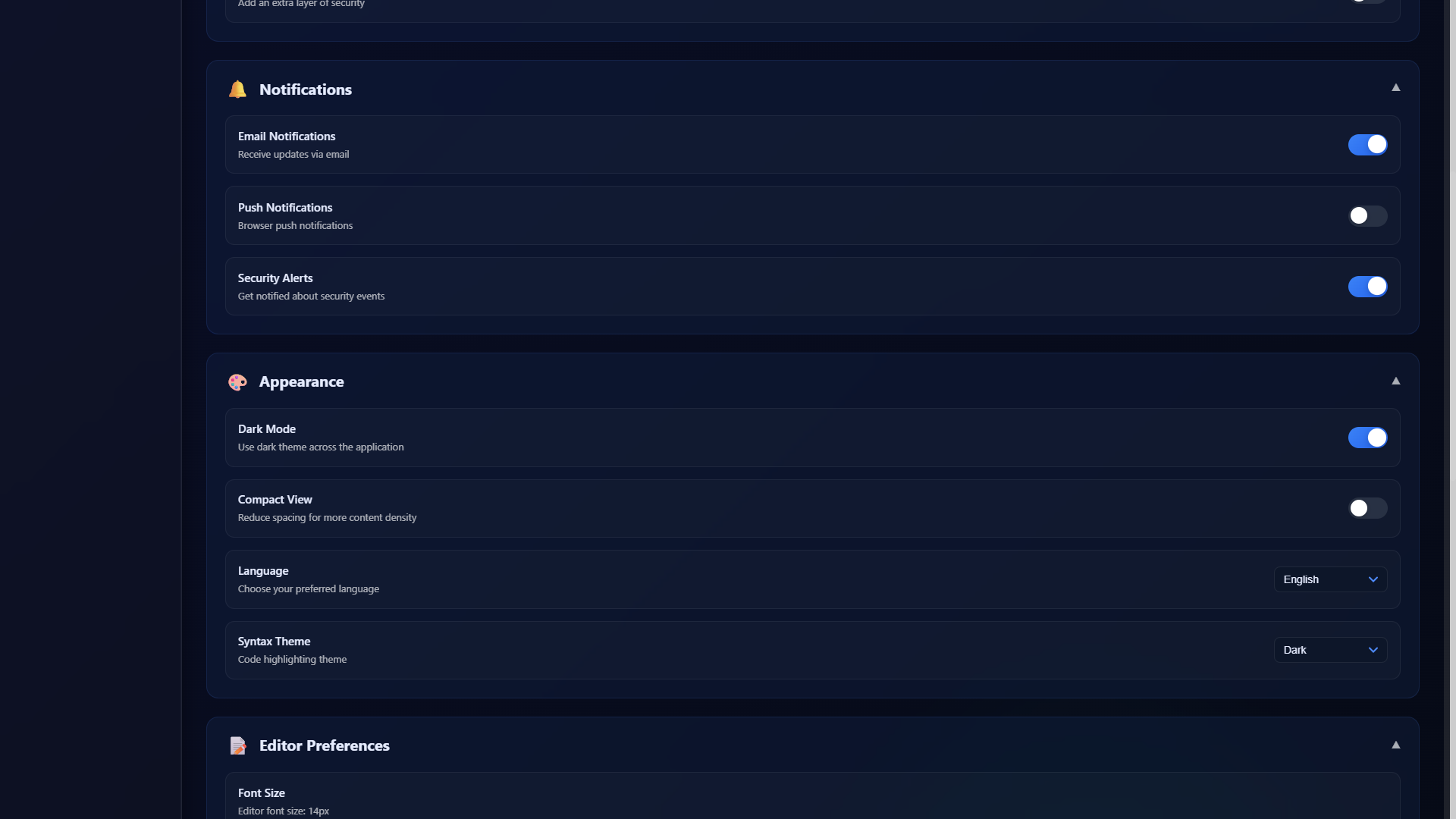
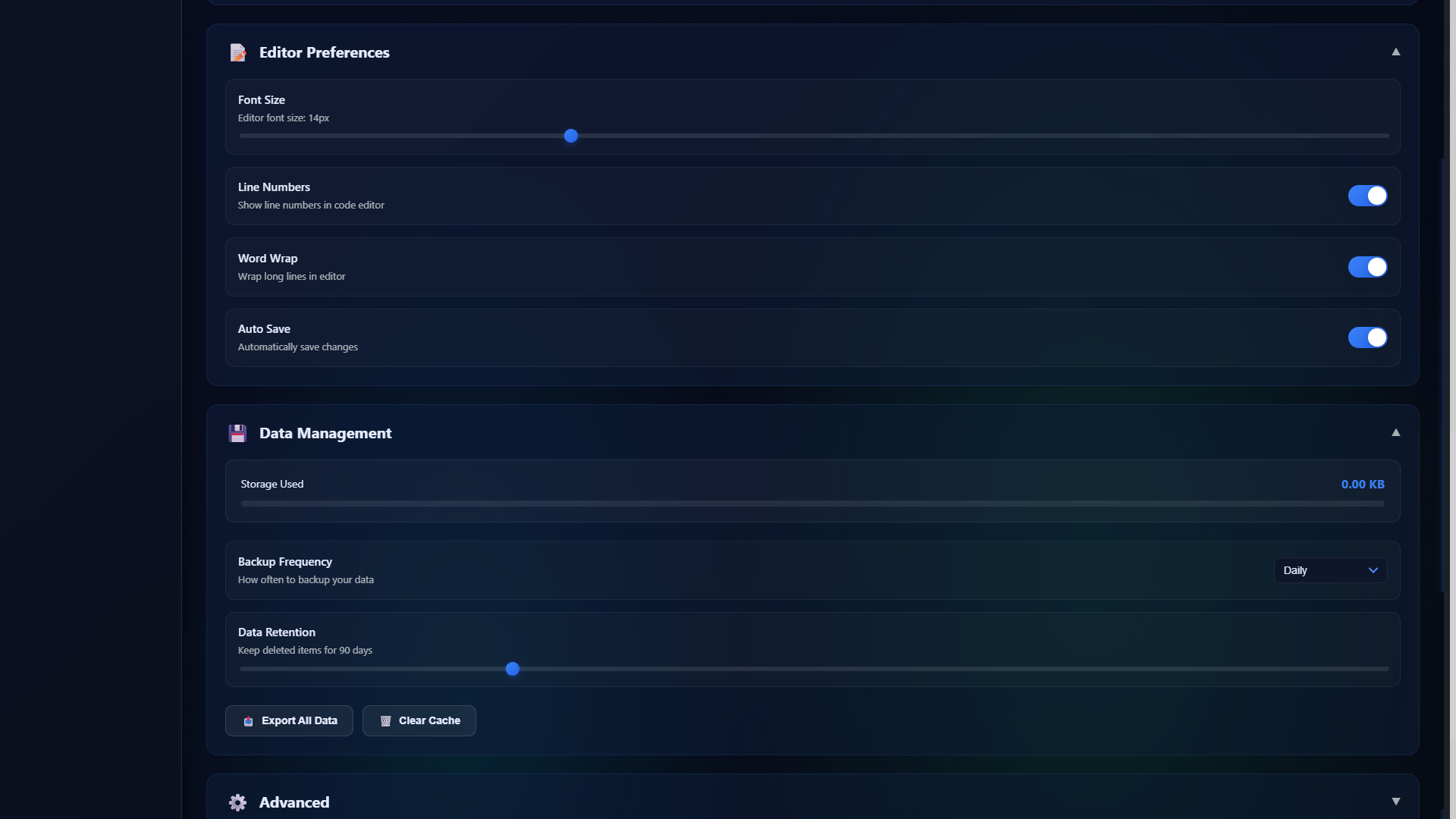
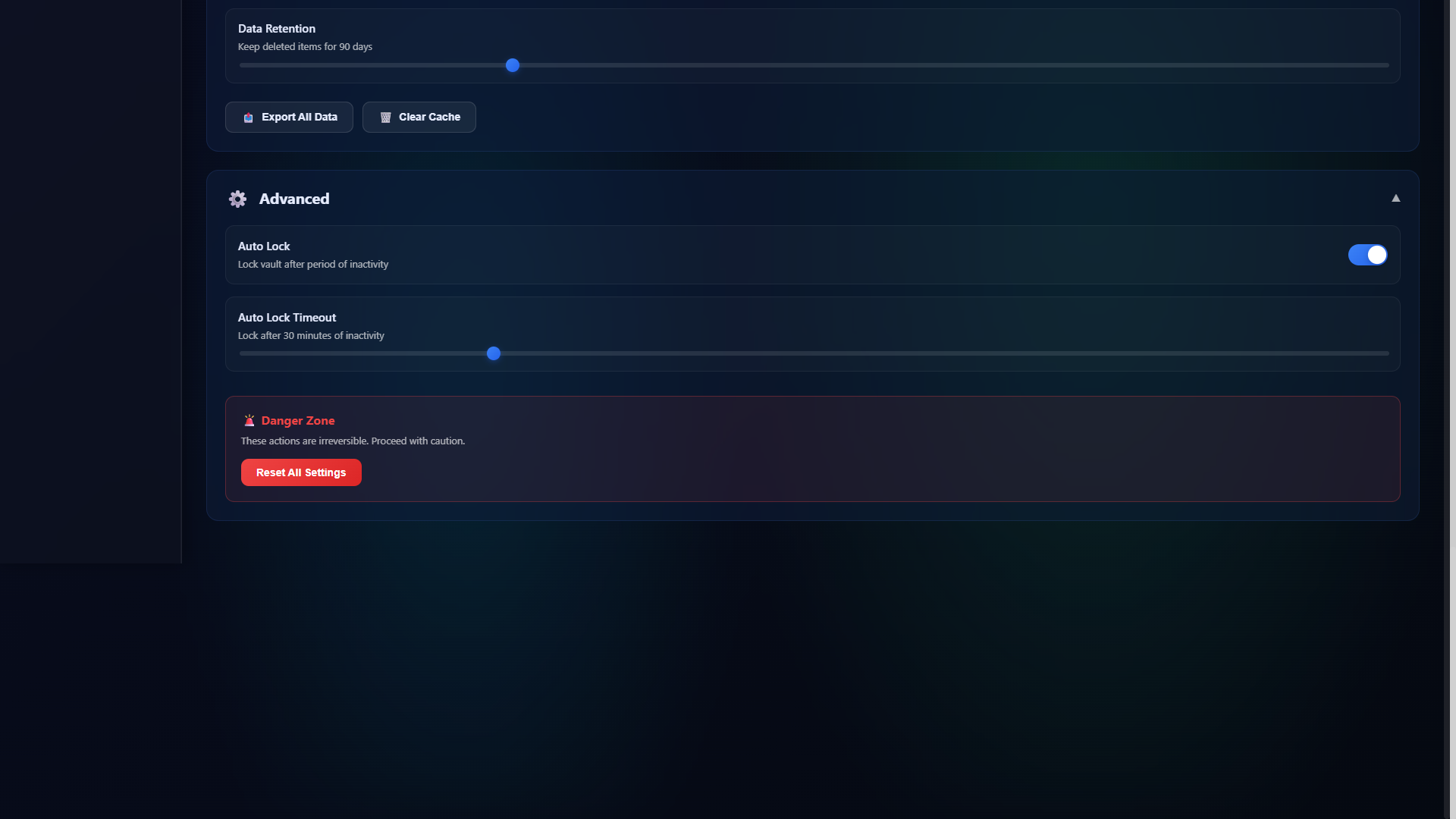
All screens use synthetic data only. Dark mode is the default; light mode available via theme toggle in-app.
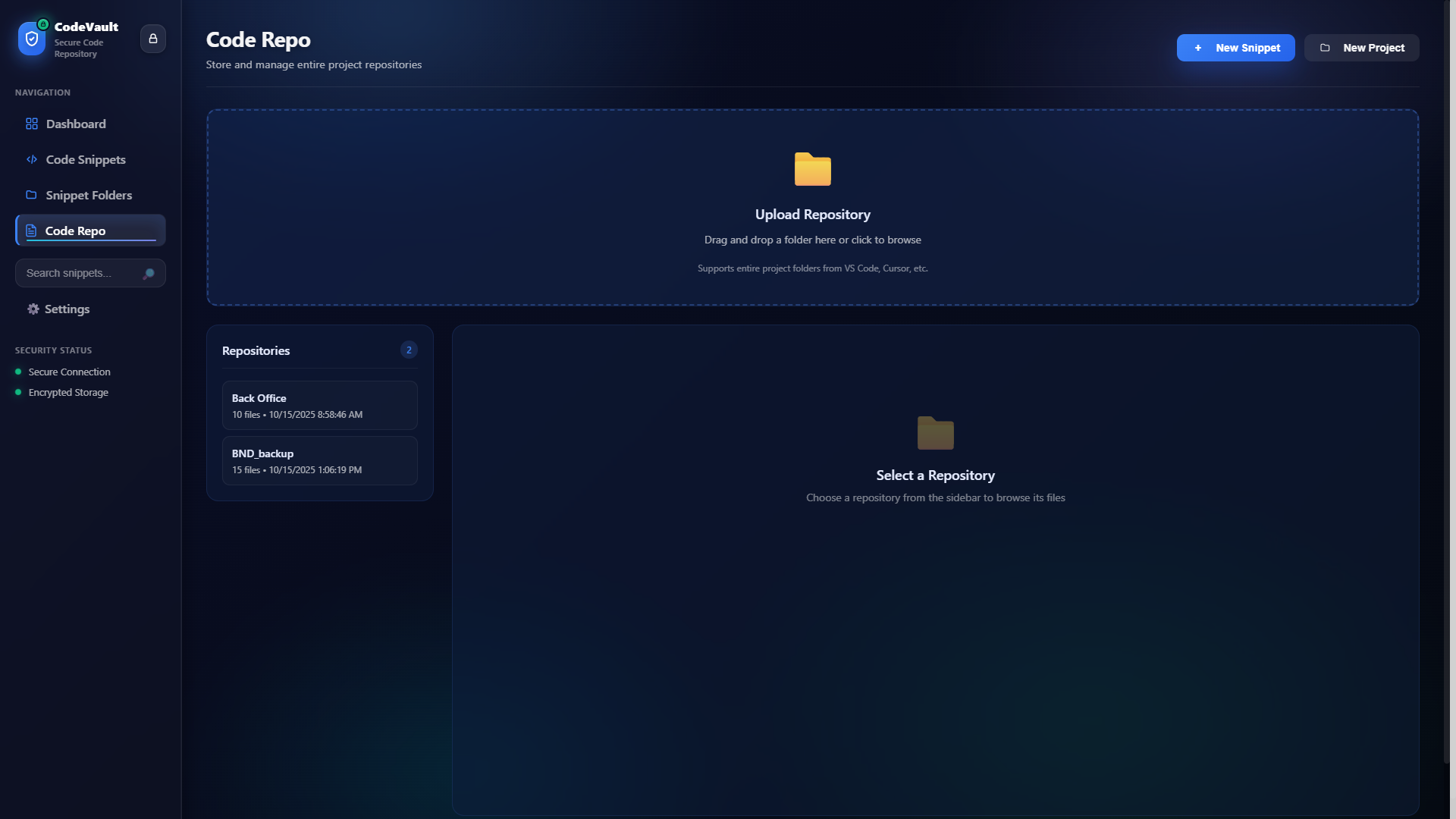
While building screens I simultaneously built out the component library in an atomic structure, so each new surface could compose from existing parts rather than inventing new ones.
Theme and density are centralized via CSS variables, making dark/light switching a single attribute toggle — the same pattern used on this portfolio.
CodeVault shipped as a complete v1: a single portable Electron app that runs offline, keeps all vault data on-device in IndexedDB, and enforces client-side encryption for secrets categories. The hardest integration wins were aligning session management, encryption, IndexedDB durability, and Electron packaging into one coherent, testable product.
The project demonstrates the full design-to-delivery arc: product thinking (what belongs in a local vault), UX decisions (session lifecycle, information architecture), visual design (developer tool density and hierarchy), and front-end engineering (React, crypto, Electron).
Web Crypto API throughout: AES-GCM (256-bit keys) for encryption; PBKDF2 for key derivation (100,000 iterations, SHA-256); per-encryption 96-bit GCM nonce (IV) so the same key never reuses a nonce.
IndexedDB for all vault records, with structured schemas per category. Settings and scheduler state written separately. Migration hooks handle schema evolution.
Electron single-instance lock prevents duplicate vault windows. IPC channels are guarded by trusted-sender URL checks so renderer cannot call privileged main-process APIs from injected content. Optional LibreOffice path enables office-to-PDF conversion in packaged builds.
HashRouter instead of BrowserRouter for compatibility with both file:// (Electron) and HTTP contexts. Protected routes check session state synchronously before render; invalid session replaces history to /lock so Back cannot re-enter protected views.